
50 Differently Abled States that Millions experience. And no one talks about.
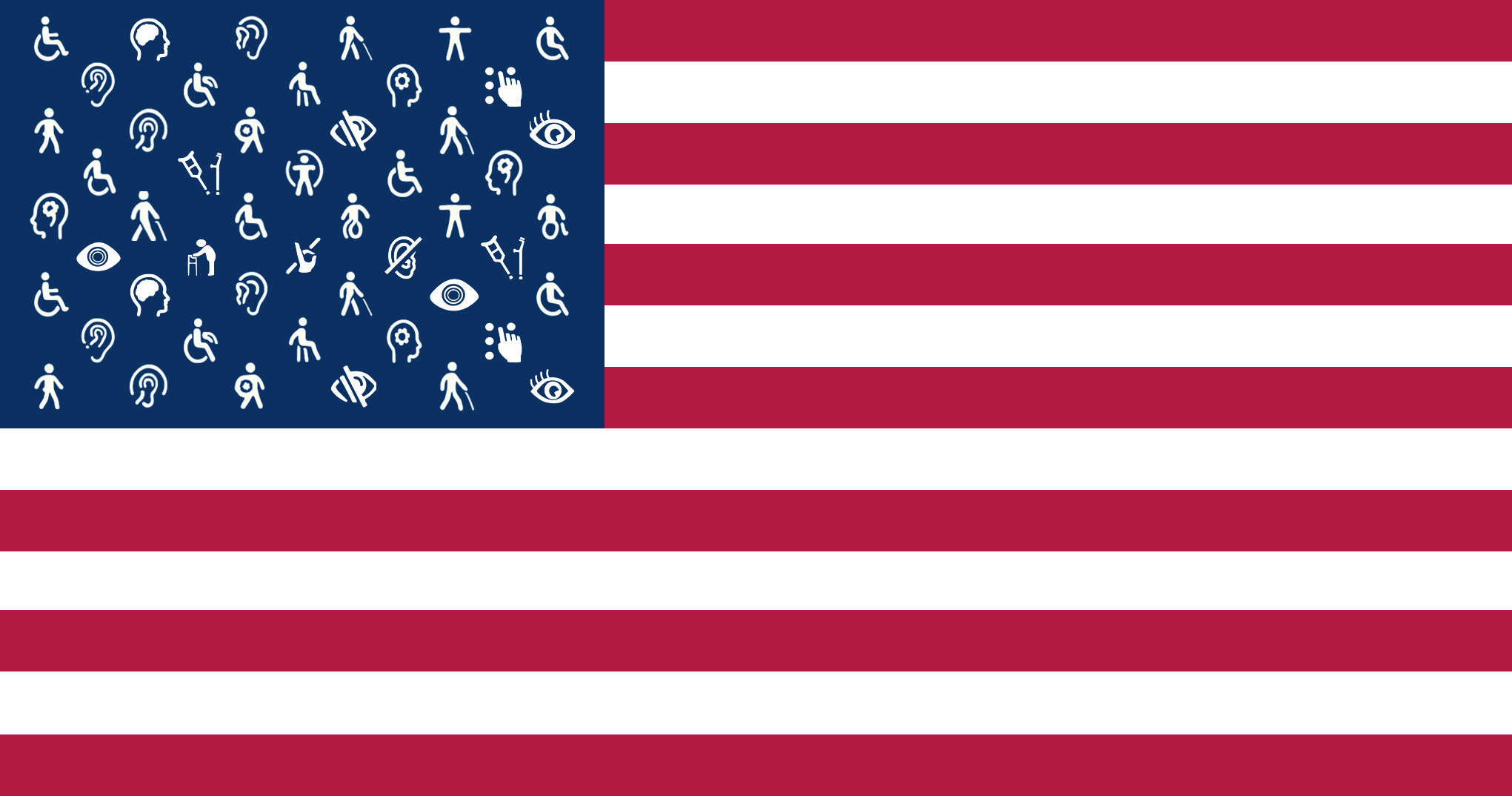
As inclusive design takes a larger place in the industry conversation, the everyday experience of using many popular apps shows there is still plenty of room to do better.
This post highlights recurring issues across four major categories: finance, travel, productivity, and social or lifestyle apps. The goal is not to call out individual companies. It is to surface patterns, reflect what users are actually experiencing, and invite the community to share their stories so product teams can focus on improvements that truly matter.
1. Finance Apps: Banking and Payments
Digital banking is essential, especially for people with disabilities, who already face income gaps, employment barriers, and disproportionate financial instability. Yet many financial apps still have major accessibility flaws.
A 2021 audit of 30 major US banking apps found that none fully met modern WCAG standards and identified “thousands of coding issues” that made screen reader navigation extremely difficult. Unlabeled buttons, missing form fields, and confusing flows continue to block VoiceOver and NVDA users from completing essential tasks.
It’s not surprising that disabled households are more than three times as likely to be unbanked, often due to poor digital experiences. When your banking app is not accessible, you are effectively shut out of managing your own money.
Screen reader barriers
Basic UI elements still fail at the fundamentals. In one example from AccessWorld, an app announced account balances as “Top left label… bottom right label” instead of reading out account names and amounts. When this happens in core areas like balances or transfers, critical features become invisible to assistive tech.
Mobile check deposit
Many apps require check deposit through a photo, but provide no audio guidance. Without sighted assistance, aligning a check is guesswork. Wells Fargo’s app shows what good looks like, offering VoiceOver prompts like “move right” or “move down” before auto-capturing the image. Most banks still haven’t implemented this, forcing users back to in-person branches for something that should be simple.
Verification and forms
Sign-up and security flows also break. Zelle, for example, failed to announce a required “I agree to terms” checkbox during sign-up. Venmo has had updates that temporarily broke VoiceOver support entirely. If a confirm button, checkbox, or captcha is inaccessible, the entire service becomes unusable.
The good news is that some banks are improving. Chase and Bank of America consistently receive positive feedback on AppleVis, proving accessible banking apps are possible when teams prioritize accessibility from day one.
2. Travel Apps: Transportation and Hospitality
Travel apps show a clear split. Ride-hailing apps have become relatively strong on accessibility after years of user advocacy, but airline and hotel apps remain among the least accessible in any major category.
Multiple lawsuits in 2024 underscored how widespread inaccessible digital travel experiences still are.
Ride-hailing and navigation
Uber and Lyft’s main apps are now considered highly accessible. On AppleVis, Uber’s iOS app is described as “very accessible… all problems in the past have been corrected.” Clear labels, spoken trip details, and thoughtful navigation came from years of collaboration with blind users.
But regressions still occur. A recent Uber Eats update broke accessibility in the in-app chat, leaving the text field unreadable and unusable with VoiceOver. The fix came only after persistent complaints, showing how easily accessibility can break when new features are released without proper testing.
Airline mobile apps
Airline apps remain a major pain point. In one documented case, a major airline’s iPhone app used icon-only navigation with no accessible labels. VoiceOver announced every menu option simply as “button.” Once inside the check-in flow, form fields failed to announce their purpose, focus jumped unpredictably, and seat selection used a custom dropdown that did not work at all with a screen reader. One user even boarded with an unintended random seat because the selection was never saved.
These are fundamental failures, not edge cases, and they leave blind travelers stuck or dependent on customer service for every step.
Booking and ticketing flows
Many travel apps reuse inaccessible patterns from their websites: custom date pickers, map-based room selection, and image-heavy UIs without text alternatives. Expedia, Airbnb, and others have made web improvements, but their mobile apps still show quirks like unlabeled filters or unclear reservation details.
Mobile travel design often lags behind web accessibility, even though travelers rely almost entirely on apps when they’re on the move.
3. Productivity Apps: Workspaces and Project Tools
Productivity tools are where people spend most of their workday. Yet some of the most popular apps in this space remain inaccessible for blind and low-vision users.
Established suites like Microsoft Office and Google Workspace have invested heavily in accessibility, proving it is achievable. Many newer, design-heavy apps still fall short.
Notion: powerful but still inaccessible
Notion is widely used for documentation, notes, and lightweight databases. It is also still largely unusable for blind users in 2025.
Despite public commitments, essential VoiceOver and keyboard navigation support remains missing. Users report that “you cannot move around in a document using the iOS VoiceOver screen reader,” and the app does not respect dynamic text sizes. This leaves blind users unable to read or navigate content and low-vision users unable to scale the interface.
On AppleVis and other forums, many users advise avoiding Notion entirely and moving to alternatives like OneNote or Microsoft Loop. When a community consistently warns people away from a tool because of accessibility, the issue is real and ongoing.
Drag-and-drop project boards
Apps like Trello rely heavily on drag and drop, creating barriers for screen reader and keyboard-only users. Early audits found unlabeled buttons, inconsistent navigation, and custom components with no accessible equivalents. Although Trello has improved and now publishes accessibility information, the core design still assumes visual interaction.
The same pattern appears in many modern project tools: without alternative actions, semantic markup, and keyboard support, blind users are excluded from essential workflows.
Other office and development tools
Google Docs still has inaccessible advanced features. Some IDEs have dialogs that do not expose focus to screen readers. Visual design and whiteboard tools often use custom canvases that provide no accessible structure.
A common thread emerges. New features ship quickly, but accessibility testing comes later, often only after users file complaints.
Companies like Microsoft, Apple, and JetBrains show that accessibility can scale with complex software. The gap lies in treating accessibility as part of product quality rather than an optional enhancement.
4. Social and Lifestyle Apps
These platforms shape culture, connection, and opportunities. When they become inaccessible, the cost is more than inconvenience. People lose access to communities, conversations, and even career pathways.
Instagram: content creation breaking
Instagram has introduced useful accessibility features, such as automatic alt text and custom descriptions. But a long-standing bug in the iOS “Create” screen makes VoiceOver completely unresponsive when users try to post content. The entire UI becomes inaccessible. Multiple users confirmed the issue throughout 2025, and it remains unresolved.
This is not a corner case. If you cannot create posts, you cannot participate.
TikTok: inaccessible from the first step
TikTok’s login process uses a puzzle-piece slider captcha, which cannot be completed non-visually with VoiceOver or TalkBack. Without sighted assistance, blind users cannot log in.
Beyond that, the feed behaves unpredictably with assistive tech, and the app offers limited accessibility settings. Automatic captions help deaf users, but blind users remain blocked by navigation and focus issues.
Other social platforms
Facebook offers automatic alt text and adjustable reading features and is generally accessible. Twitter (now X) still supports alt text, though concerns remain after accessibility team reductions. Newer platforms like Clubhouse launched without basic accessibility, only improving after sustained pressure from disabled users.
Across this category, accessibility tends to be added only after complaints, rather than being built into the product from the start.
Why this matters, and how we move forward
Across all categories, inaccessible apps do more than cause friction. They limit independence, participation, and opportunity.
Travel apps can cause missed flights. Finance apps can block people from managing their own money. Productivity apps can exclude people from workplace collaboration. Social apps can isolate users from culture and community.
Accessibility is not a one-time task. It is a continuous practice.
The issues highlighted here are solvable when teams treat accessibility as product quality. Across all examples, the needs are clear:
Test meaningfully with assistive technologies before and after releases
Take ownership when accessibility breaks
Collaborate with disabled users who are already giving feedback
Some companies are beginning to demonstrate real progress. Several major banks and ride-hailing platforms show that inclusive design works beautifully within modern digital experiences.
Over to you: Where are you still getting stuck?
If you use a screen reader, magnification, captions, voice control, or other assistive technologies, I would love to hear from you.
Which apps or flows still block you?
Where have you seen meaningful improvement?
What do you wish product teams understood better?
Drop your experiences in the comments. The more real examples we share, the easier it becomes to show product and engineering teams where digital gaps still exist and where the biggest opportunities are to build something more inclusive.